Operator
customer
customer
Pick a portal and open it.
Choose a desk
Open the view you want to test. The same demo data sits behind every desk.
Suggested order: Admin → Customer Care → Self-Service → Shop → Demo Mail.
The operator desk: apps, customers, contracts, billing, provisioning, monitoring, tickets, and platform configuration.
The full licensed operator stack. This is the operator desk.
customer
customer
demo.nmsprime.com:8080
The focused support role: find customers, review interactions, and work service requests.
Customer Care + CRM (+ Ticket)
cc
Care1234
demo.nmsprime.com:8080
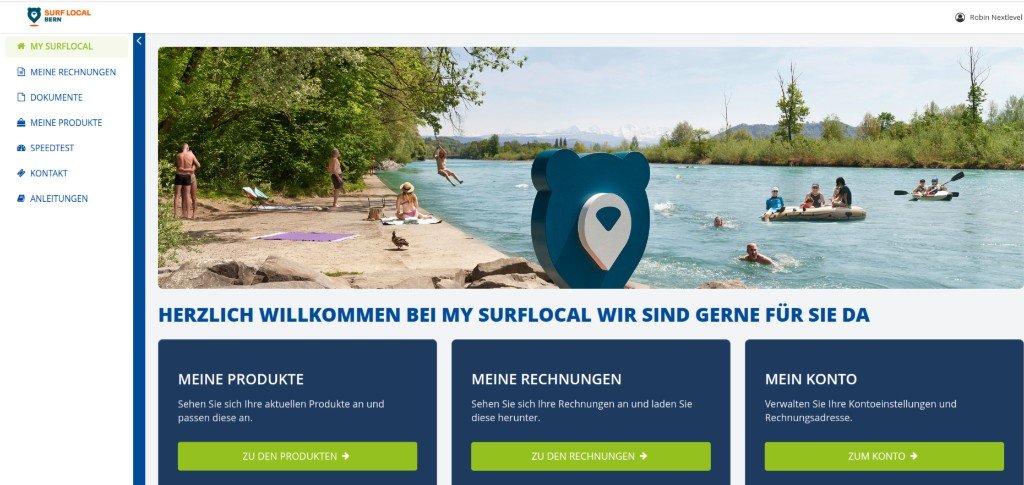
The customer-facing portal for contracts, invoices, services, documents, and account information.
Customer Self-Service + Billing + CRM
12006
wErRjruq34
demo.nmsprime.com
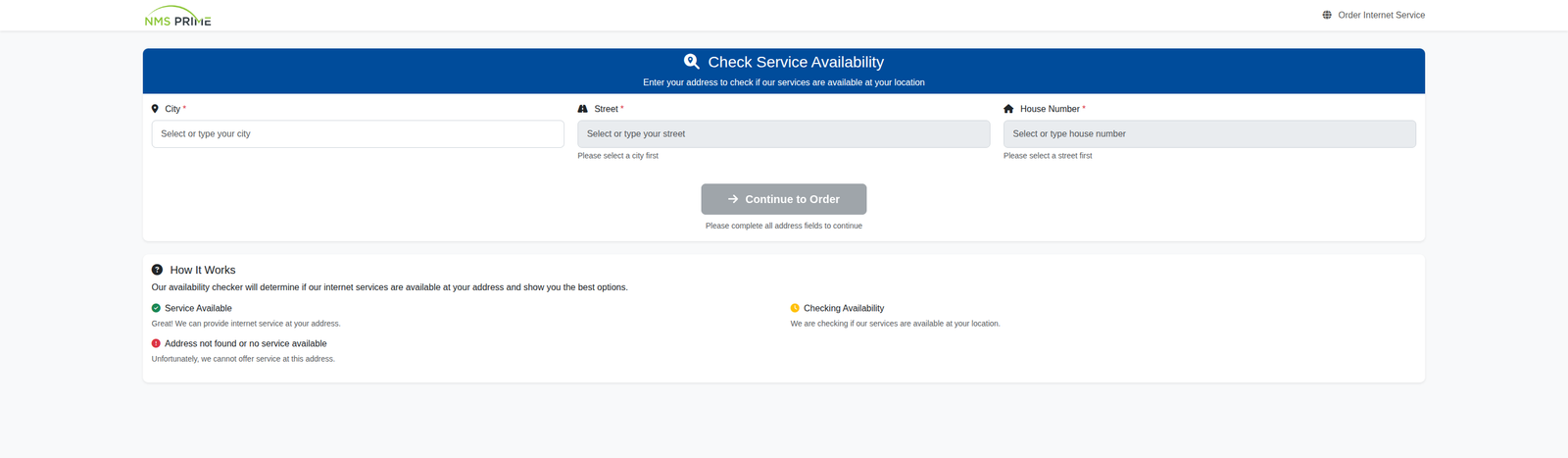
Availability, product selection, customer data, payment, and order confirmation. No login — the subscribe flow is public.
Order Portal + Property + Product
No demo account. Walk the public order flow with fictional data only.
demo.nmsprime.com/customer/subscribe
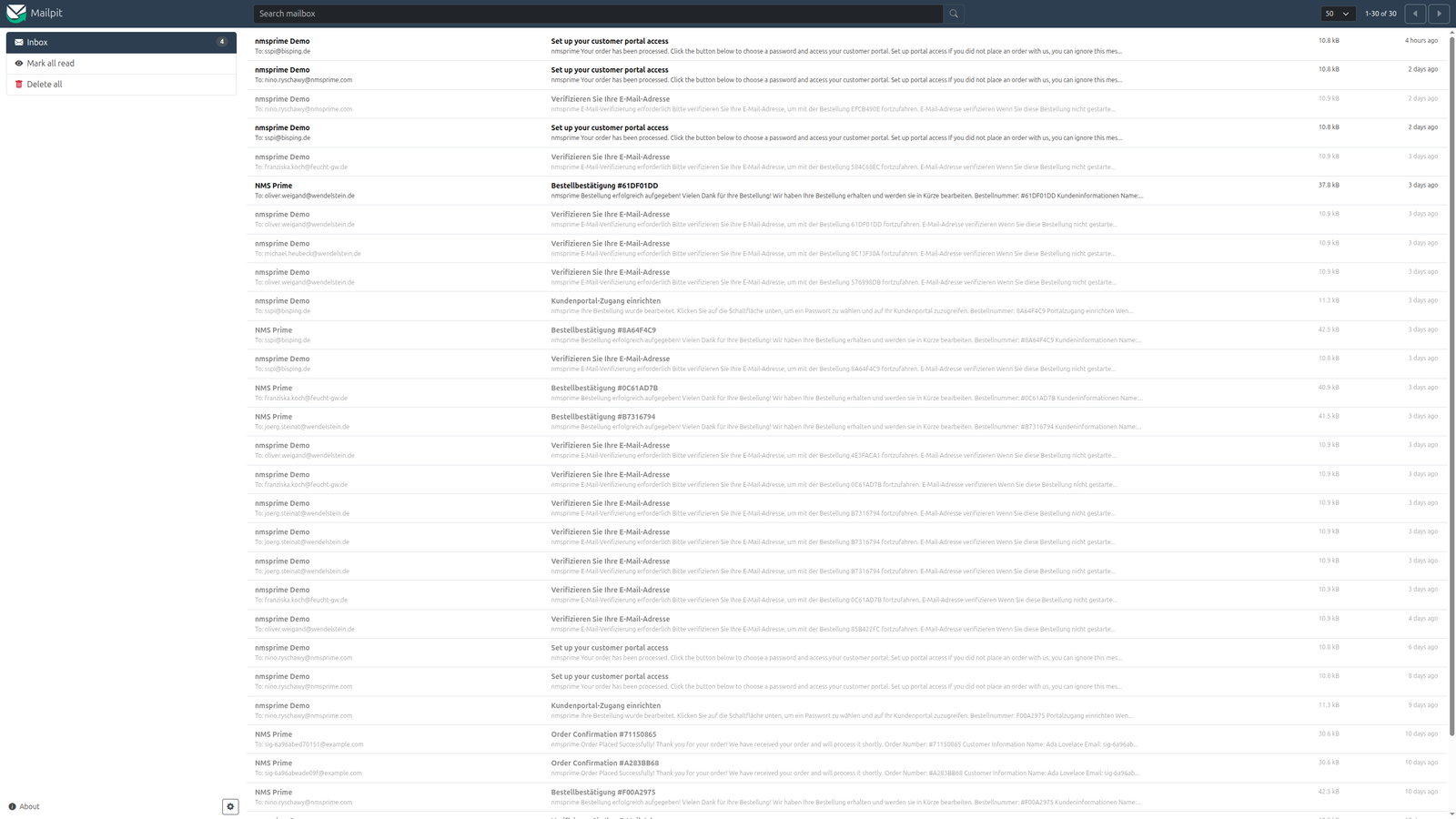
No real e-mail leaves the demo. Inspect confirmations, invoices, and notifications captured by the local inbox.
None — Demo Mail only shows mail the other portals generate.
No login. Open the inbox after you trigger a confirmation or invoice in another portal.
demo.nmsprime.com:8025
Credentials verified against the canonical Demo System documentation, updated August 6, 2026.
Keep exploring